 vivibeBeta
vivibe is now on Linux
The desktop app runs on x86_64 Linux: a .deb for Debian and Ubuntu, an AppImage for everything else.
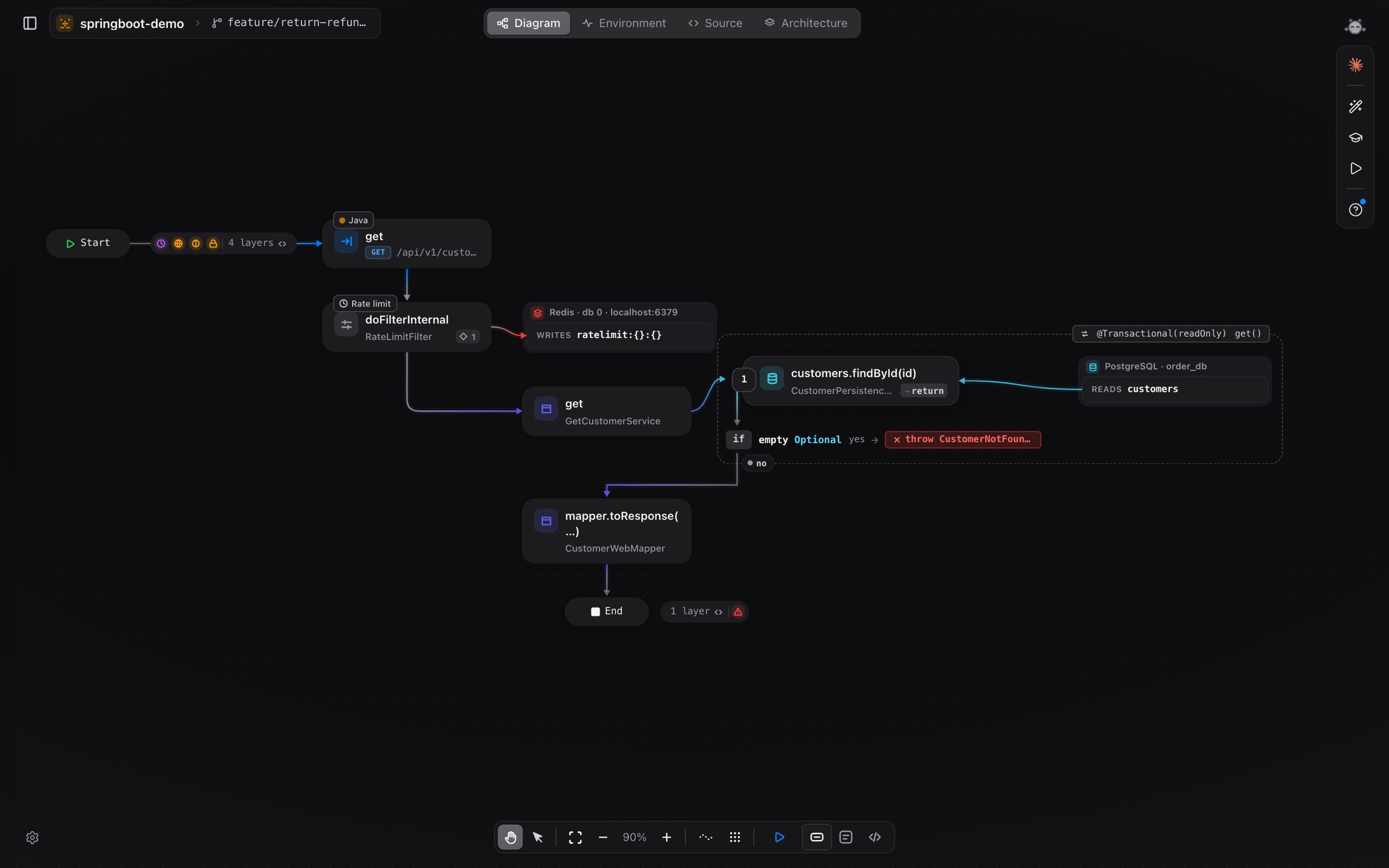
vivibe started on Apple silicon Macs. From today the same app runs on Linux (x86_64), with the same engine, the same diagrams and the same agents.
What you need
- Ubuntu 22.04 or later, Debian 12 or later, or another distribution with glibc 2.35 or later.
- A
.debfor Debian and Ubuntu, an AppImage for the rest. - A beta invite: the approval email links to both packages.
Install
sudo apt install ./vivibe-linux-x64.debchmod +x vivibe-linux-x64.AppImage
./vivibe-linux-x64.AppImageEvery build is checked before it is published: the AppImage and the .deb are started and driven on a clean machine first. To check a download yourself, compare it against SHA256SUMS-linux-x64.txt.
More in Install and Where vivibe keeps its files.