 vivibeBeta
Guided tours, a calmer Settings, and an icon that follows your Mac
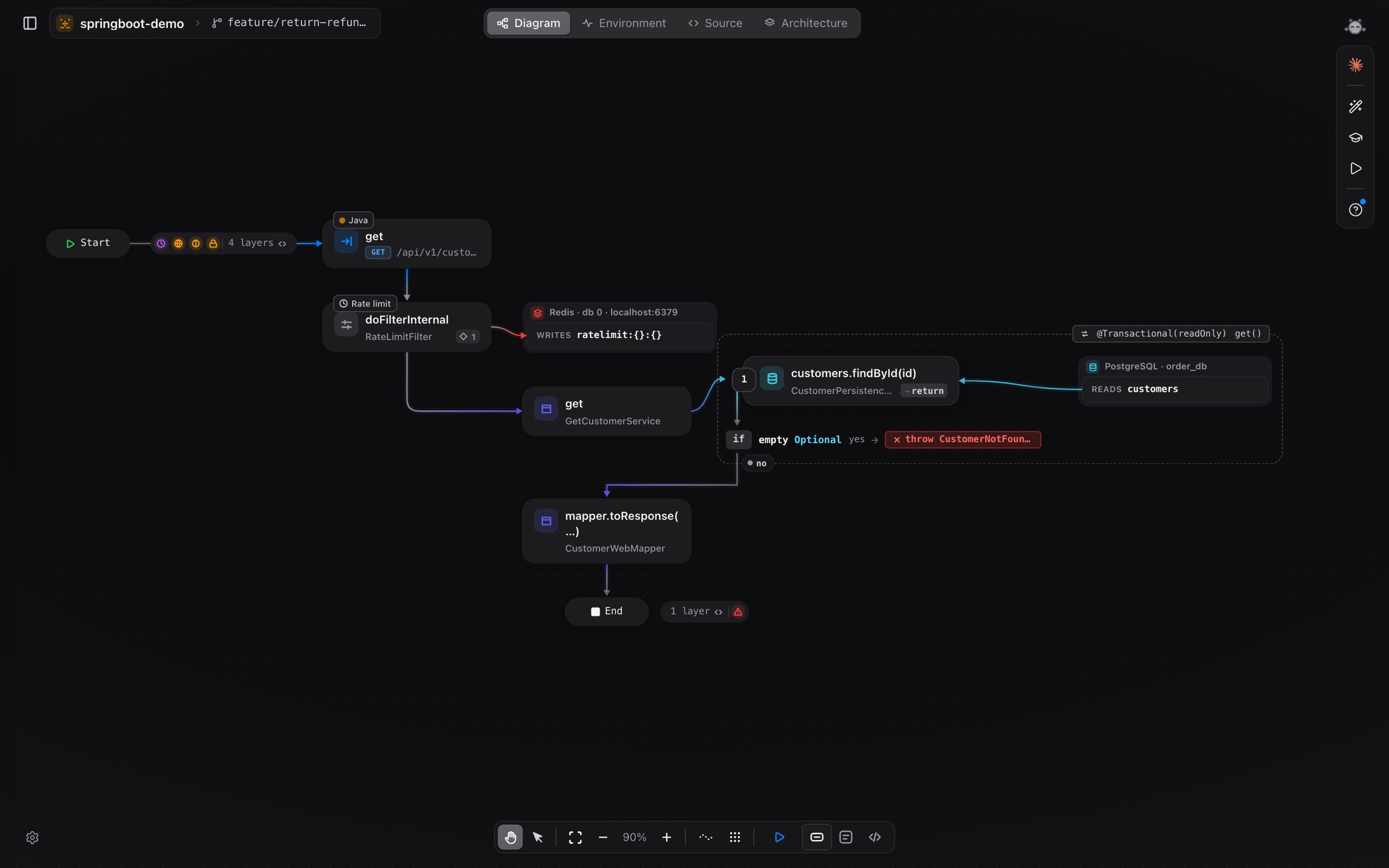
Each screen now shows you around the first time you open it. Settings is laid out like macOS, and the app icon switches with light and dark mode.
vivibe has a lot on screen: diagrams, code, runs, agents. This release makes the first hour easier.
A tour on every screen
The first time you open a screen, a short tour points at its parts one by one, with an arrow and a ring around each. Tours run in English and Vietnamese, and Settings → Guides replays the one for the screen you are on.
Settings, the macOS way
Settings is now a sidebar of sections with grouped rows, like System Settings: General, Agents, Account and Usage.
An icon for light and dark
The Sphinx icon has a light and a dark version, and macOS picks the one that matches your appearance.