 vivibeBeta
Your coding agents can now read vivibe’s map
Claude Code, Codex and Gemini CLI opened in vivibe’s terminal ask vivibe how your code flows before they grep, show you what they mean on the diagram, and run things only when you click Allow.
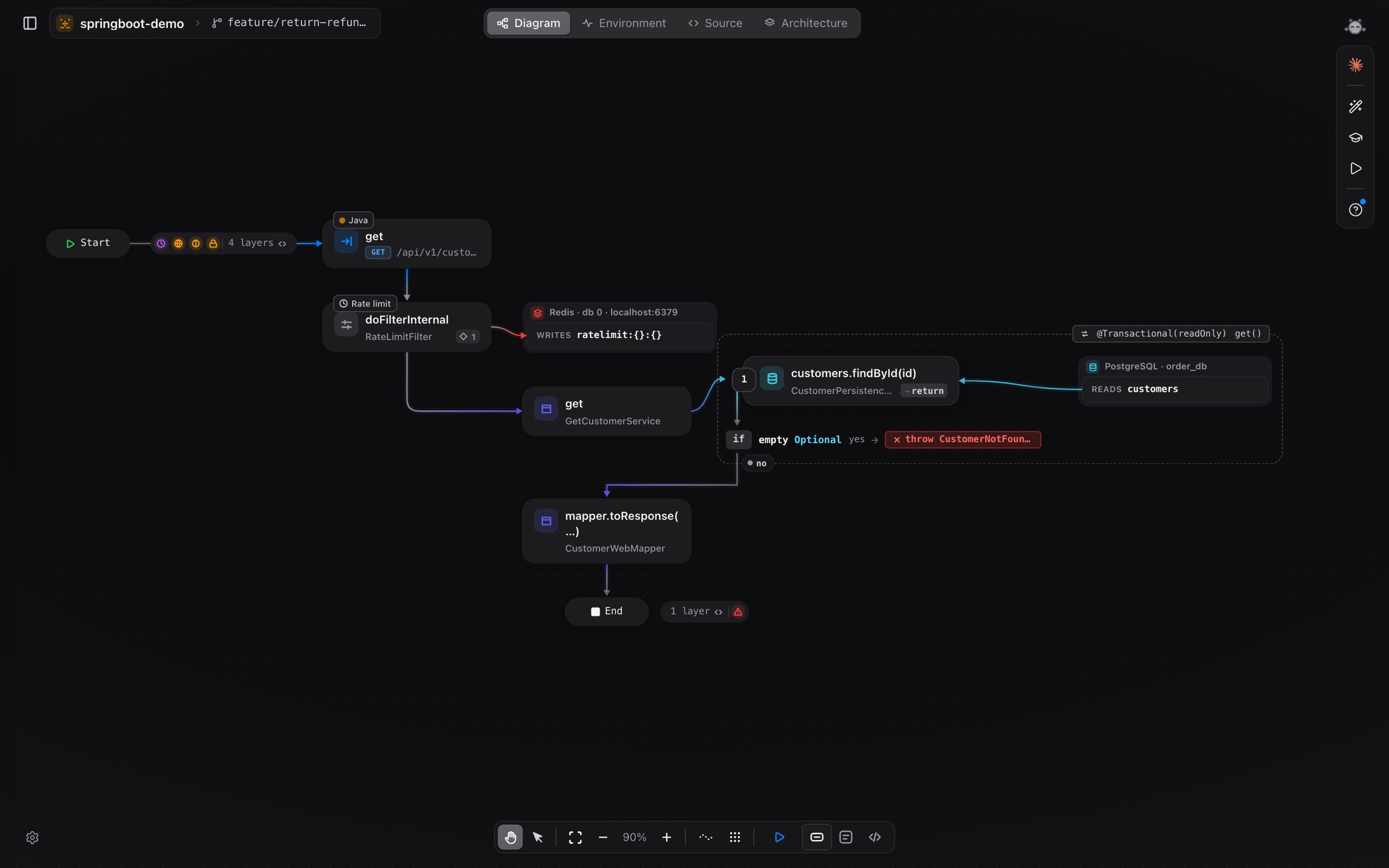
vivibe already draws every flow in your repository, call by call, with the file and line behind each box. From 0.1.25 the coding agents you run in vivibe’s terminal can read that same map, through an MCP server built into the app.
What the agents can ask
- How a request flows, from the route to the tables, topics and services it touches.
- Who calls a method, and what it calls.
- Which flows the lines they just changed can affect.
- Which tests really ran through that code, from your last coverage run.
- The last run you made in vivibe: the response, the rows written, the trace and the log.
Every answer comes with file:line, and anything the engine could not prove is marked as such, so the agent opens the code instead of guessing.
On your screen, with your say
Because the agent runs inside vivibe, it knows what you have open. It can put a flow, a box or a file in front of you, and before a change that touches several places it proposes a plan: each step shows on its box, and nothing starts until you approve.
To check its work for real, the agent can ask to send a flow’s saved request, start or stop your environment, or run the test suite. Each time, vivibe shows a chip and waits for Allow.
Also in 0.1.25
- Sub-agents of Claude Code sessions walk the flow diagram as their own characters.
- The agent list shows what each AI run cost.
- Rate each flow-chat answer with 👍 or 👎.
Open a new Claude Code, Codex or Gemini session in vivibe to get the tools. More in Terminal.